 View full image ↗
Name the release, not the folder mood
Replace final, final2 and final-real with a stable identity: character, model line, release number and date. Put a short CHANGELOG beside it: “v1.2 adds jacket toggle; preserves v1.1 face map; exported for VRM 0.x.” Keep works in progress outside the release directory so a collaborator can tell what was approved without reading file timestamps.
A release manifest should list the editable source, linked artwork or textures, runtime export, tracking-app configuration, expression and motion files, scene dependencies, creator credits, tool versions and a known-good preview. Include relative paths where the tool permits them and flag anything that still points to one workstation’s local folder. This is model-specific preservation, not generic advice to copy a Documents folder.
Do not confuse autosave with an archive
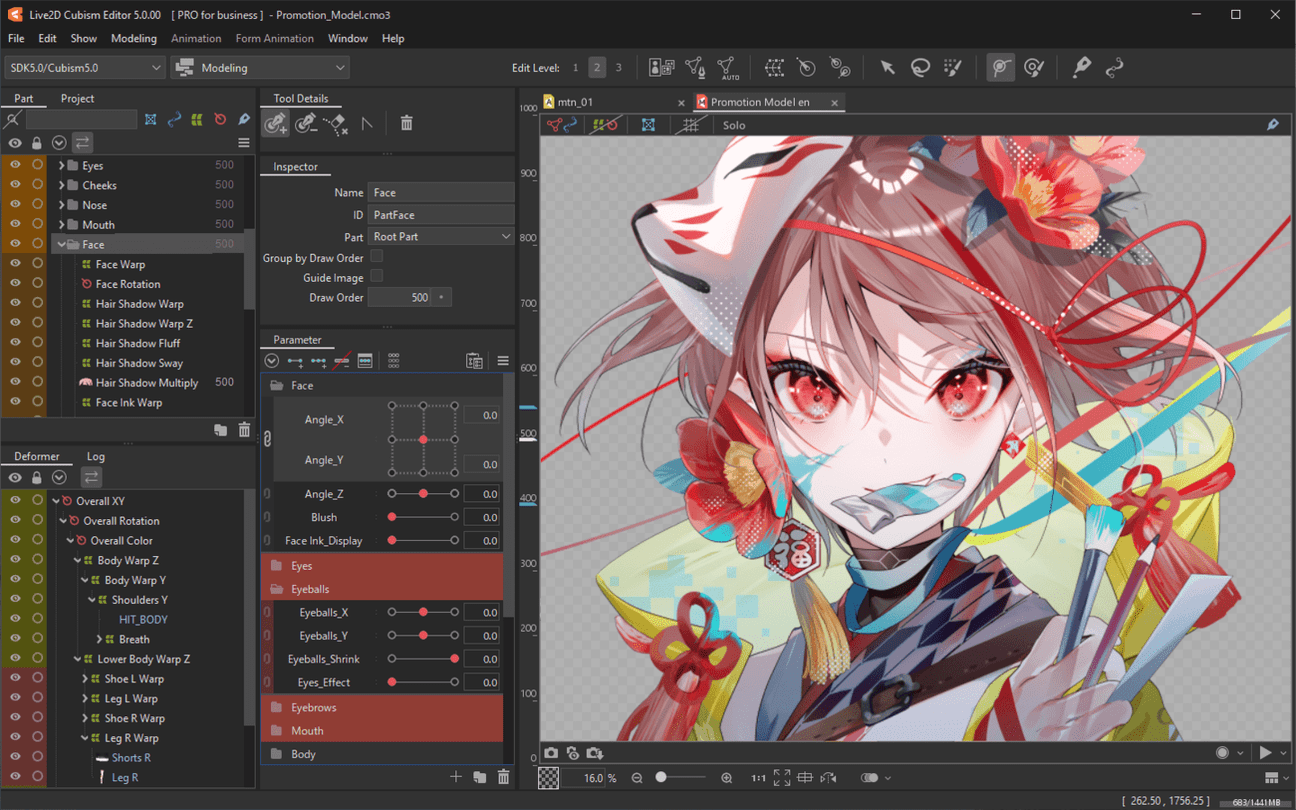
Live2D says Cubism’s PRO auto-backup periodically saves edited data, keeps a configurable storage capacity and removes oldest files when that capacity is exceeded. Blender documents autosaves, a previous .blend1 version and a last-session file in temporary storage that may disappear after reboot or cleanup. These are excellent crash-recovery mechanisms. They are not a durable release history.
Promote a working state into the release package deliberately. Keep at least one copy on storage that is not continuously synchronized with the working folder, because accidental deletion or corruption can propagate through sync. Record a checksum if the workflow already supports it, but do not let a checksum substitute for opening the file.
Capture configuration beside the model
VTube Studio creates a human-readable .vtube.json file for the model setup. Its copy-config documentation says the setup can include input-to-output parameter maps, physics settings, hotkeys, expressions, animations and ArtMesh settings, while warning that copied setup only works properly when target parameters correspond. Preserve that configuration with the matching model release.
Also save an application and version note, import path, required plugin list and one screenshot of expected parameter movement. Secrets, account tokens and device identifiers do not belong in the package. A future operator needs enough context to reconstruct the behavior, not a clone of every private setting on the workstation.
Rehearse a clean restore
Copy the release into a temporary test directory or a separate authorized machine. Follow only the readme. Open the editable source, load the runtime model, trigger every expression, confirm tracking maps, inspect textures and record a ten-second capture. Note any dependency you had to fetch from memory; it was missing from the package.
Do this before a major tool upgrade and after any commission handoff. Do not overwrite the old release when the restored copy prompts for conversion. Save the conversion as a new candidate and compare it with the known-good preview. Record the restore date, machine or environment, tool versions and the person who performed the check. A restore rehearsal is successful when the package recreates the documented behavior, not when a zip file merely extracts without errors.
Sources & limits
Live2D and Blender document limited crash-recovery mechanisms, while VTube Studio documents the configuration files and compatibility assumptions around copied setup. The release manifest and clean restore are original editorial preservation practices.
- Automatic Backup Function
first-party · Publication date not stated · Updated 17 January 2025 · Retrieved 19 September 2026 - Recovering Data
first-party · Publication date not stated · Retrieved 19 September 2026 - Copy config between models
first-party · Publication date not stated · Updated 17 March 2022 · Retrieved 19 September 2026
Send a correction with the passage and supporting source.