 View full image ↗
Separate sensing from acting
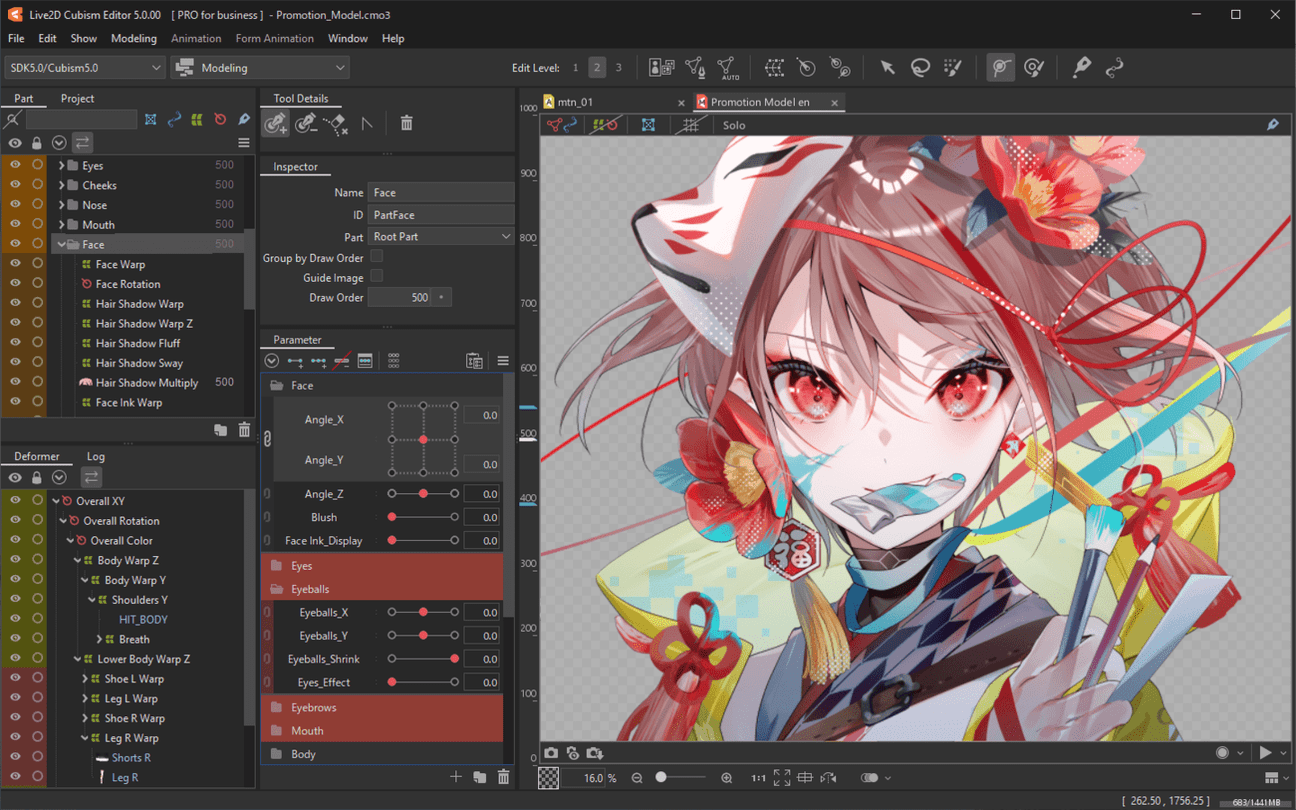
Apple describes ARKit blend shapes as named coefficients between a neutral value of 0 and a maximum movement of 1. A value such as jawOpen, eyeBlinkLeft or browInnerUp is not an emotion label. It is a measurement that a character system can map onto a visual change. Apple’s own example says a simple cartoon might use only jaw opening and two blinks while a detailed rig might use many more coefficients.
That is liberating. A readable avatar does not have to flex every input the tracker can produce. Begin with the actions the performance needs: a clean blink, a speaking mouth, an unmistakable smile, a concerned brow and stable head turns. Everything else is optional until those work.
Calibrate a neutral before an extreme
Set the tracking app’s neutral while looking naturally at the camera, not while holding a stage smile. VTube Studio’s webcam documentation tells users to calibrate facing forward with a neutral expression and lets them recalibrate if model angles feel wrong. Make a ten-second neutral recording. Watch for a mouth that hangs open, one eyebrow that never rests or eyes that flutter while you are still.
Fix the baseline first. Then perform one slow movement per channel: close each eye, open the jaw, smile, raise the brows and rotate the head. If the input indicator moves but the model does not, inspect the mapping. If the indicator itself chatters, investigate capture, calibration or smoothing before reshaping the artwork.
Map a useful middle, not only the endpoints
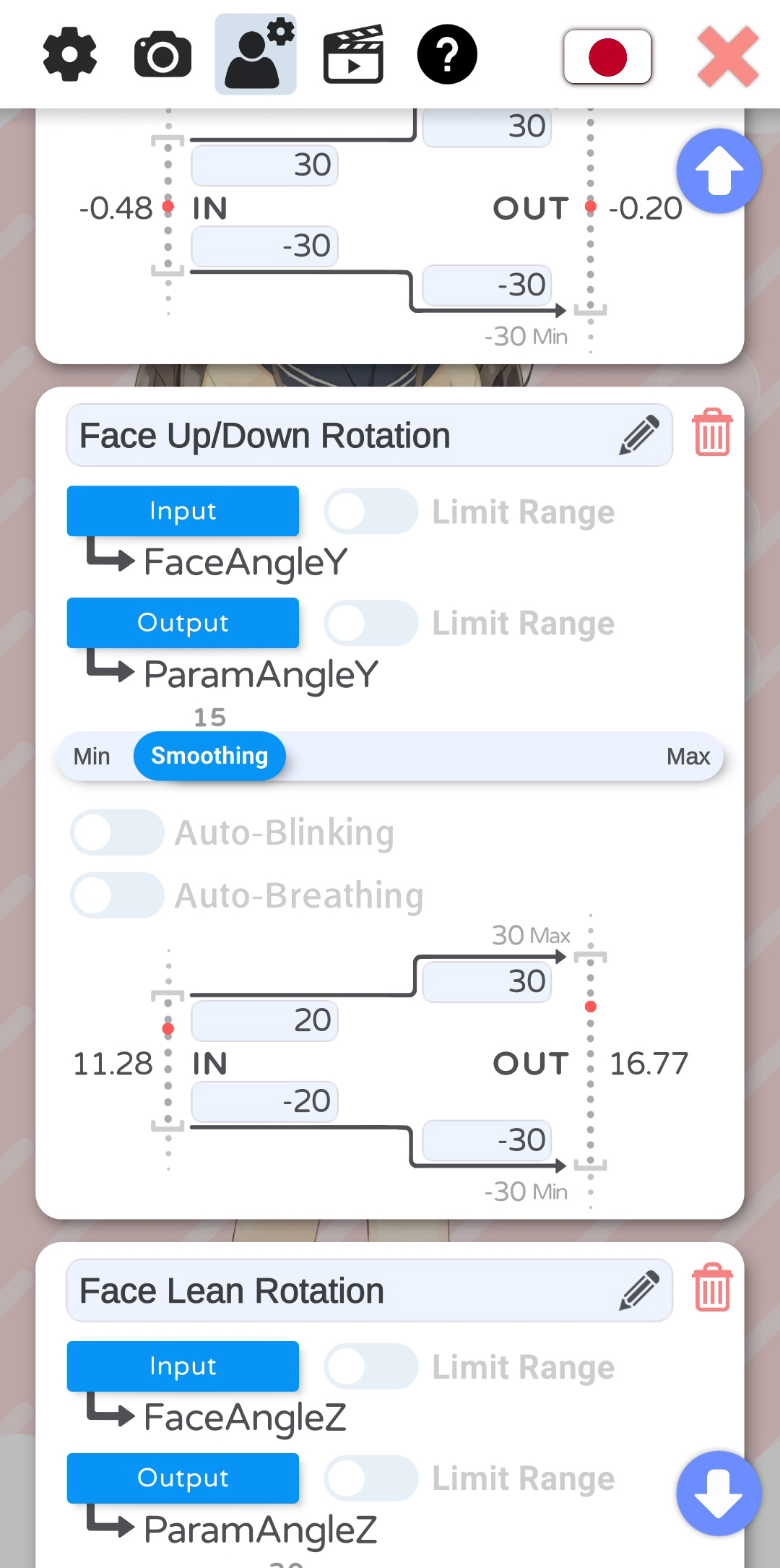
VTube Studio allows an input range to map onto a different Live2D output range. That means a half-open tracked mouth does not have to produce a half-open drawing; the mapping is an artistic translation. Tune ordinary conversation first, then confirm that louder speech does not drive the chin through the face. For a stylized character, a small real brow lift may need a larger drawn response to remain visible at stream size.
Smoothing trades jitter for delay. Add it per parameter and stop when the movement becomes stable enough without feeling detached from the voice. This is a review judgment, not a universal slider value. Test in the final crop: a delicate cheek change visible in the editor may disappear when the avatar occupies one corner of a game stream.
Check who owns the parameter
A correct map can still look broken when another system takes control. VTube Studio documents an order in which idle animation, face tracking, one-time animation, expressions and physics may write to a parameter; the highest active provider wins. Its expression modes can overwrite, add or multiply values. If a smile freezes during an emote, inspect that priority chain instead of increasing tracking sensitivity.
Create a small parameter card for each important action: input name, output name, neutral, useful range, smoothing and known overrides. End with a four-beat capture—neutral, slow movement, normal speech, expression toggle—and label what you expect at each beat. This proposed exercise makes a subjective performance note reproducible without pretending that a coefficient can prove what a person feels.
Sources & limits
Apple documents blend-shape coefficients and VTube Studio documents calibration, input/output mapping, smoothing and control priority. The tuning sequence and parameter card are original editorial exercises; coefficients are not treated as emotion detection.
- ARFaceAnchor.BlendShapeLocation
first-party · Publication date not stated · Retrieved 19 September 2026 - VTS Model Settings
first-party · Publication date not stated · Updated 27 September 2021 · Retrieved 19 September 2026 - Interaction between Animations, Tracking, Physics, etc.
first-party · Publication date not stated · Updated 30 May 2025 · Retrieved 19 September 2026
Send a correction with the passage and supporting source.