 View full image ↗
Give every information channel a job
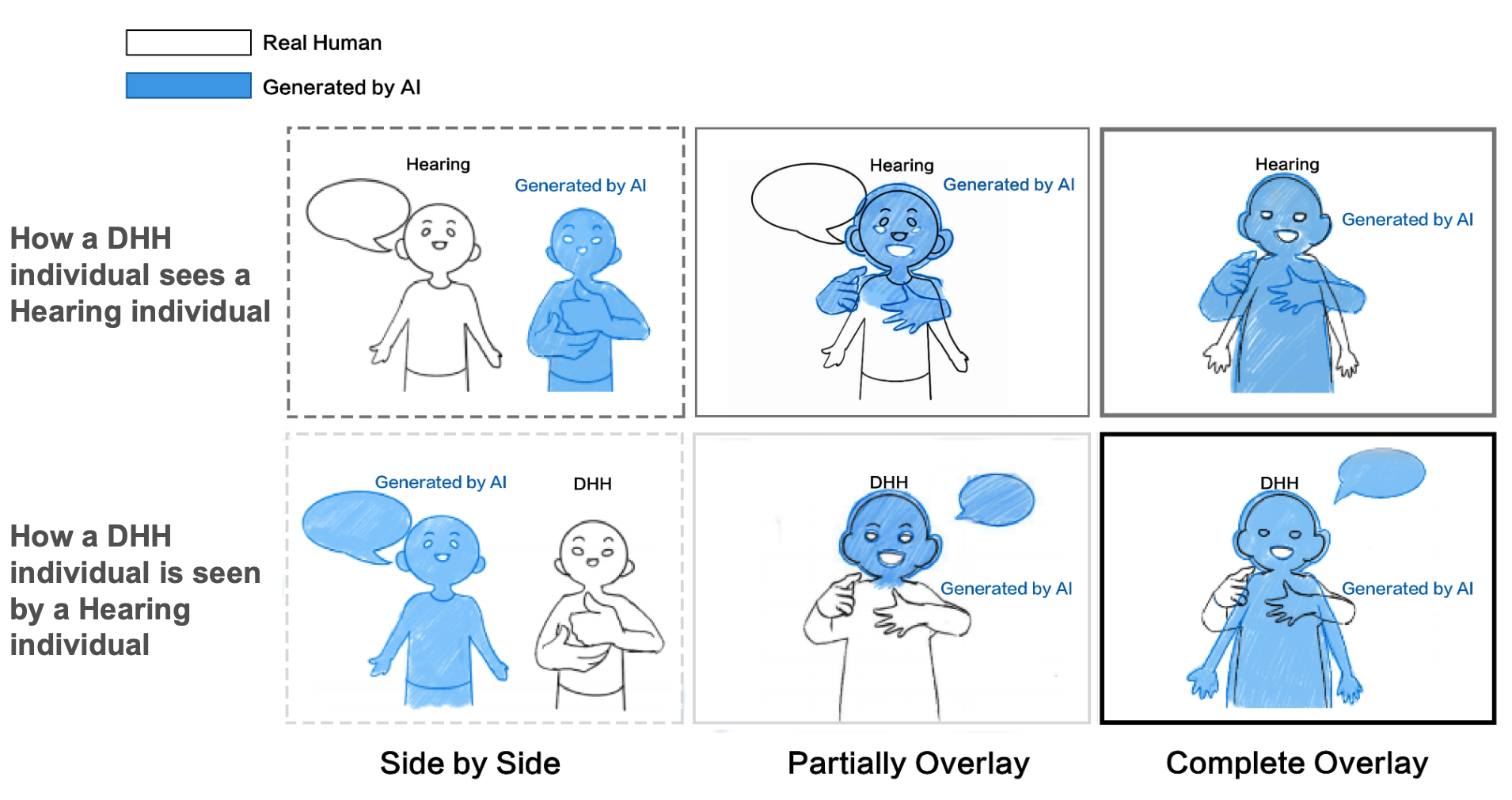
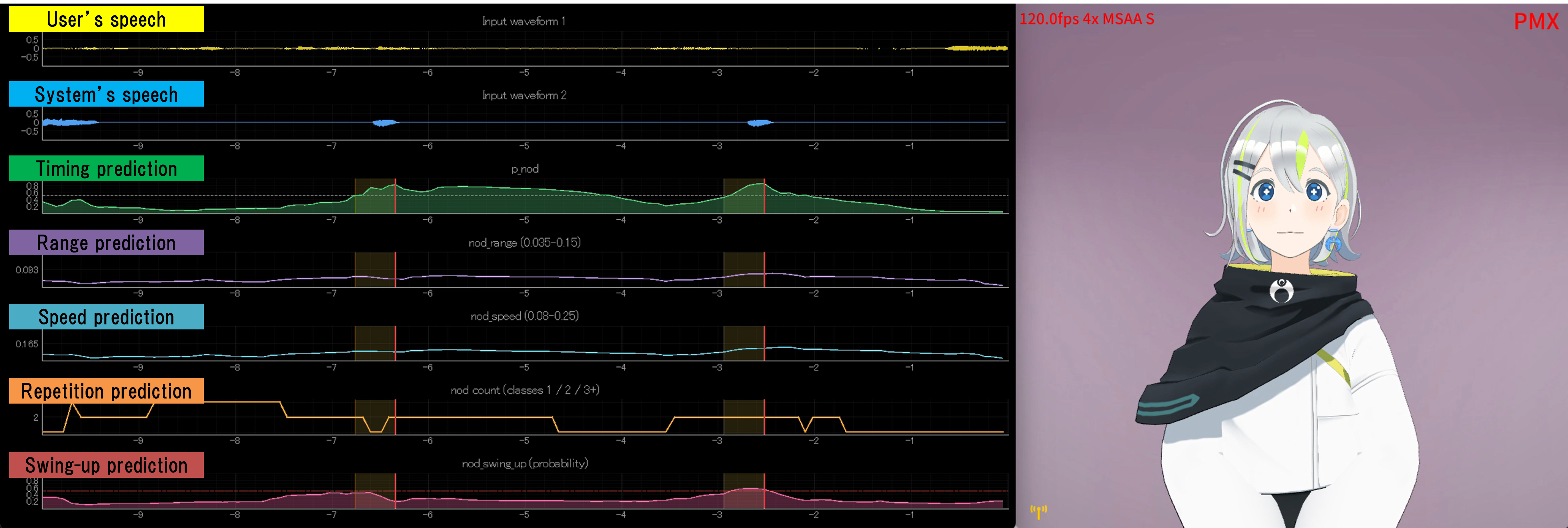
Make a cue inventory before choosing software. Speech carries commentary; music and effects signal mood or events; the avatar’s face and body may deliver a joke without words; chat and overlays can announce names, scores or warnings. W3C defines captions as synchronized text for speech and the non-speech audio needed to understand a program. Dialogue-only subtitles are therefore not the whole job.
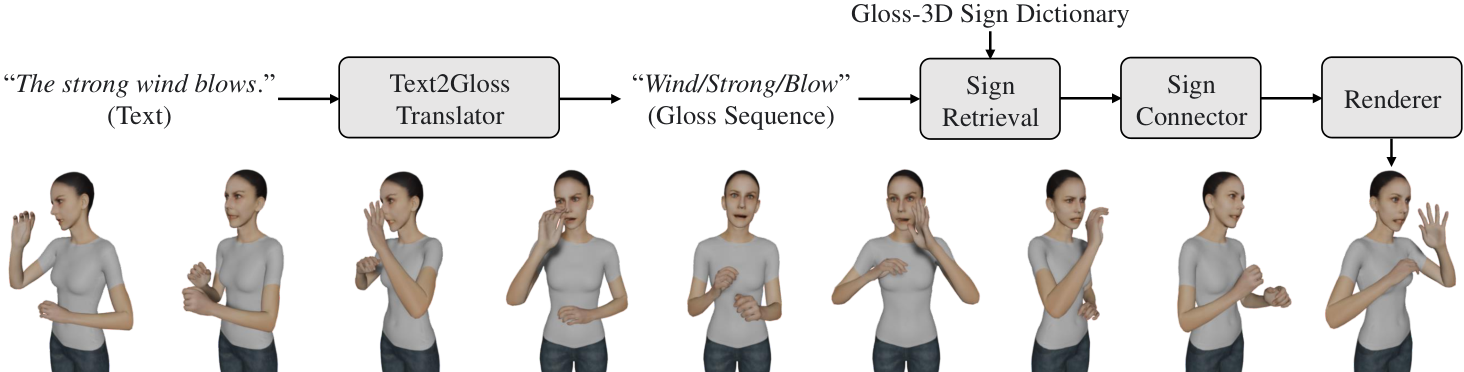
Mark each essential cue with a text route. A doorbell that changes the scene may need “[doorbell]”; a silent shocked expression may need the performer to say what happened, a concise on-screen label, or later visual description. Sign language and transcripts are separate access modes, not decorative substitutes for captions.
Design the stage around the caption region
Reserve a caption-safe rectangle before placing the avatar, chat and alerts. W3C notes that captions should not obscure relevant information. Test the region against the widest likely line, both a bright and dark scene, and the vertical crop if the platform makes one. Avoid putting the avatar’s mouth, hands or expression toggles behind the text.
Use speaker labels when more than one voice can be heard, and write a tiny sound vocabulary for recurring alerts. Consistency helps a viewer learn the show: “[membership alert]” and “[boss warning]” mean more than a parade of unexplained music notes. This vocabulary is an editorial tool, not a formal caption standard.
Automatic live captions need a fallback
YouTube says its live automatic captions are English-only, limited to normal-latency streams and not retained on the resulting video; a new VOD caption track is generated later. It also warns that recognition can misrepresent speech because of accents, dialects, pronunciation, background noise or overlapping speakers. Availability and requirements can change, so confirm the live control before the event.
Prepare a plain-text card with names, character terms, game vocabulary and planned announcements for a human captioner or correction pass. During the show, avoid speaking over a guest when practical and read essential visual-only notices aloud. If live captions fail, say so through a visible status message and preserve a recording for post-production rather than implying the feed is still accessible.
Repair the VOD as a separate release
After the stream, review names, invented lore words, moderation notices and sound cues. YouTube explicitly tells creators to review automatic captions. Add punctuation and speaker changes where they affect meaning, then check timing at normal playback speed. Publish a transcript when it provides a useful text route, and include descriptions of essential visual information when the audio alone does not carry it.
Run one access rehearsal with the sound muted and another with the picture hidden. The first reveals missing speech and sound text; the second reveals unexplained visual action. These are editorial checks, not a claim of conformance or a replacement for feedback from disabled viewers. Record what the performance supports, what remains unavailable and who will correct the archive.
Sources & limits
W3C defines captions and distinguishes captions, transcripts, sign language and visual description; YouTube documents current automatic-caption limits. The cue inventory, safe region, vocabulary and dual rehearsal are original editorial practices, not a certification of accessibility.
- Making Audio and Video Media Accessible
standards-body · September 2019 · Updated 17 September 2024 · Retrieved 19 September 2026 - Understanding Success Criterion 1.2.4: Captions (Live)
standards-body · Publication date not stated · Retrieved 19 September 2026 - Use automatic captioning
first-party · Publication date not stated · Retrieved 19 September 2026
Send a correction with the passage and supporting source.