 View full image ↗
Choose the audience before the numbers
A PC-only showcase, a crowded cross-platform meetup and a mobile fallback do not share one sensible budget. Start by naming the strictest audience you intend to support. VRChat’s current documentation says mobile covers Android, iOS and Meta Quest, and applies stricter performance ranks than PC. On mobile, the default block level is Medium; Very Poor avatars are always managed and some over-limit components are removed even when a viewer chooses Show Avatar.
That makes “it uploads” a weak finish line. A better goal is explicit: for example, a mobile Medium social avatar with its core silhouette, face and one interaction intact. The rank is not a promise of frame rate in every room. It is a documented compatibility target.
Give every system a line in the budget
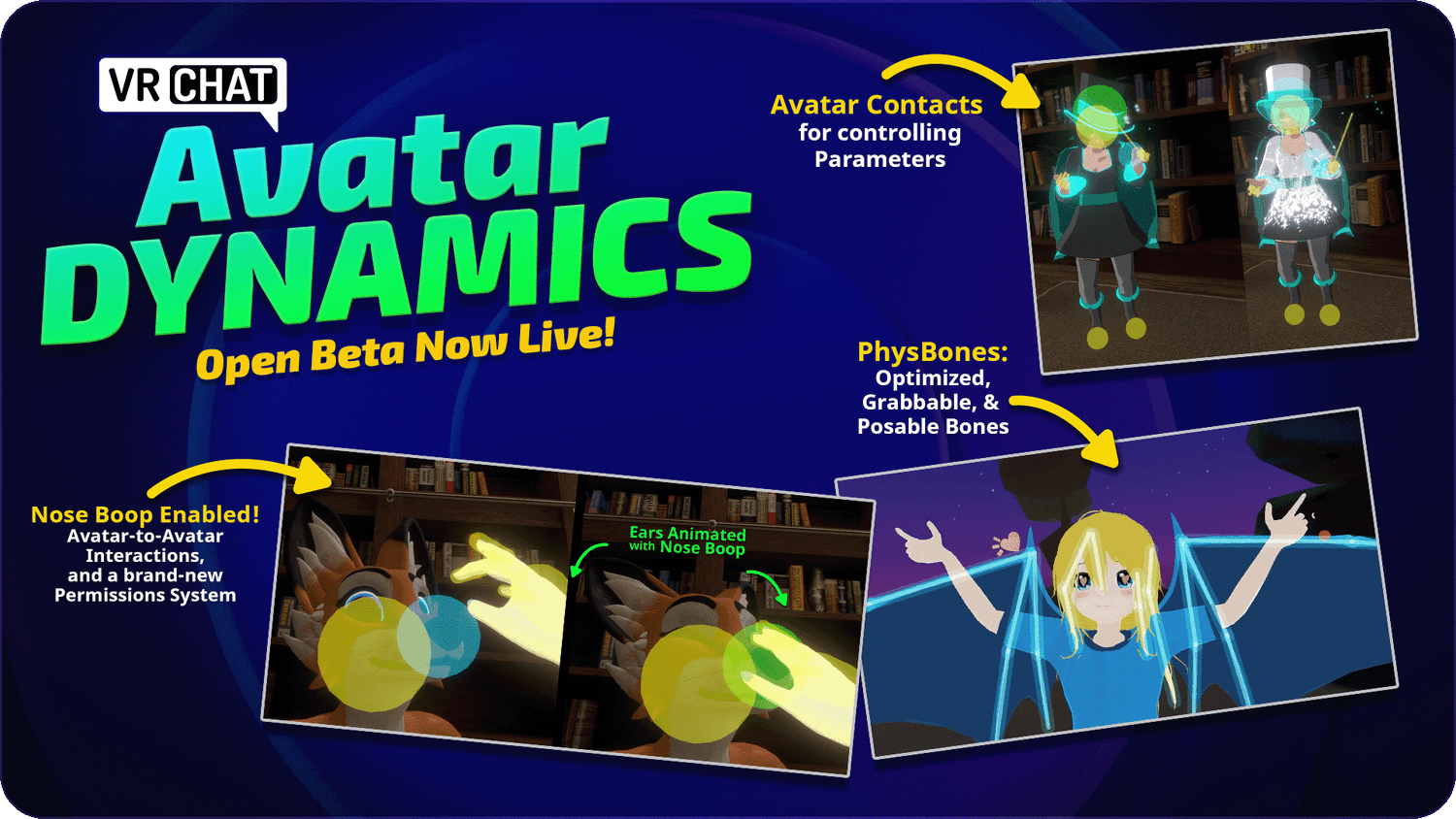
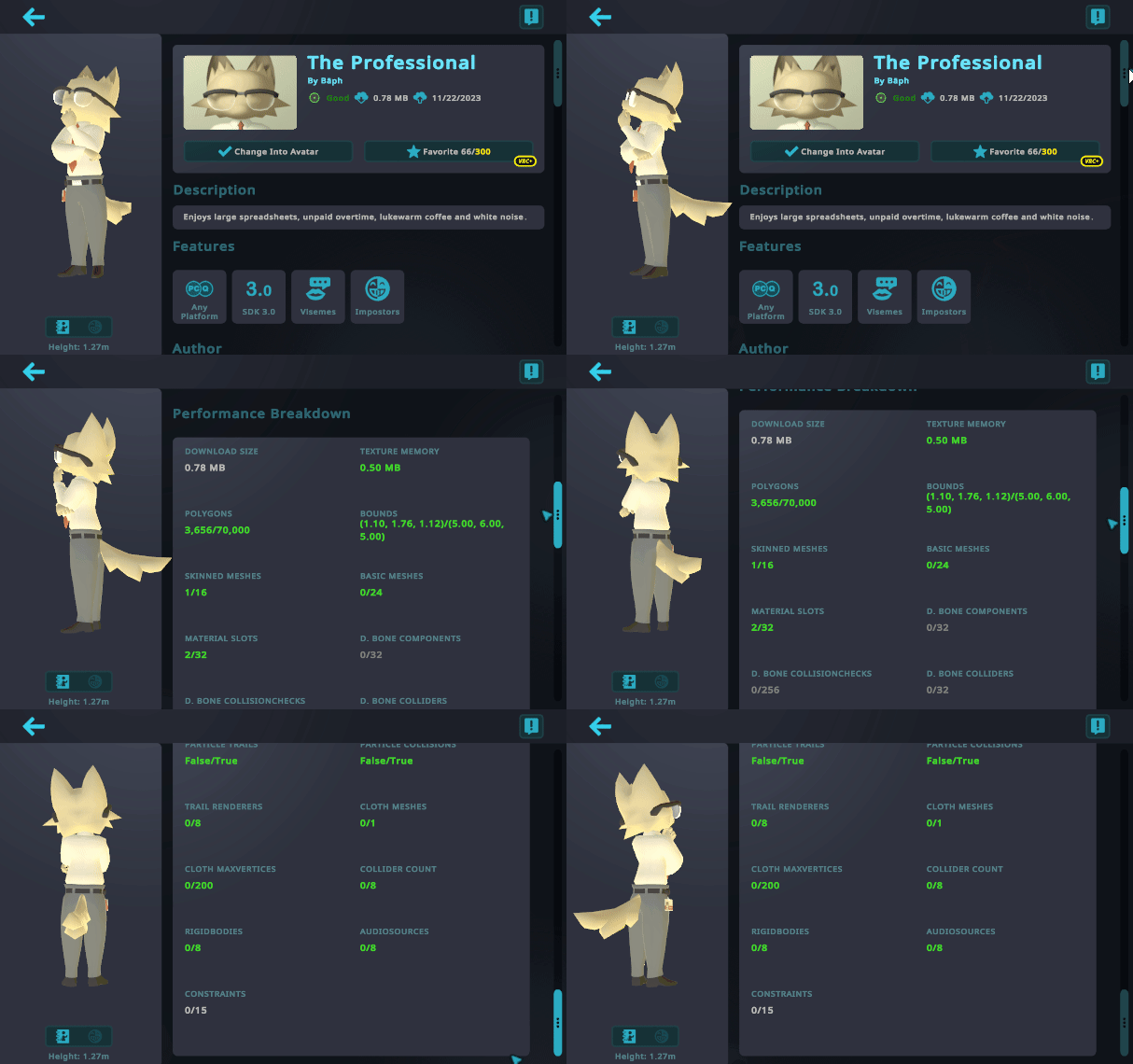
VRChat ranks triangles, bounds, texture memory, skinned and basic meshes, material slots, animators, bones, PhysBones, contacts, constraints, particles and several renderer or physics features. Exceeding one category can move the whole avatar into a lower rank. Disabled GameObjects and components still count, so hiding an outfit in the hierarchy is not the same as removing its cost.
Copy the current table into a project sheet and add three columns: measured now, target and owner. Texture work belongs to whoever can atlas or resize it; extra skinned meshes may require a Blender merge; an interaction designer may own contact or PhysBone counts. This turns optimization from one person’s final panic into visible production work.
Protect the readable character first
When a model exceeds the target, sort features by what viewers need to recognize the character. Face, silhouette and one signature material treatment usually deserve protection before duplicate outfit meshes, unseen 4K texture detail or a cloud of particles. That priority is editorial judgment, not a VRChat rule, but the documentation explains the stakes: some rank failures substitute a fallback avatar, while others remove PhysBones, constraints, animators, lights or particle systems.
The official Android optimization page adds a useful distinction: Crunch compression can reduce download size but does not reduce in-memory texture size. A tiny upload can still carry a large texture-memory bill. Check both built size and texture memory instead of celebrating whichever number looks smaller.
Make a two-build comparison
Keep a creator build and a target-platform build from the same source, with clearly different identifiers. For the lean build, remove unsupported components rather than merely disabling them; atlas textures where practical; merge meshes deliberately; and retest expressions after any bone, blend-shape or mesh change. Capture the SDK’s per-category report before and after so you know which change moved which metric.
Then inspect the avatar in the actual target client with another account’s viewing rules if available. Check whether the face loads, the fallback appears, interactions survive and the model remains legible at conversation distance. We have not benchmarked these assets, and no table can promise performance across arbitrary hardware, worlds or crowd sizes. The honest deliverable is a measured rank, a documented feature tradeoff and a build that can be revised when VRChat updates the limits.
Sources & limits
VRChat’s documentation defines the ranked categories, current mobile thresholds and consequences of exceeding limits. Prioritization and the two-build workflow are editorial guidance; they do not promise a frame rate or universal visibility.
- Performance Ranks
first-party · Publication date not stated · Updated 21 April 2026 · Retrieved 19 September 2026 - Android Content Optimization
first-party · Publication date not stated · Updated 25 June 2025 · Retrieved 19 September 2026
Send a correction with the passage and supporting source.