 View full image ↗
Start at the destination
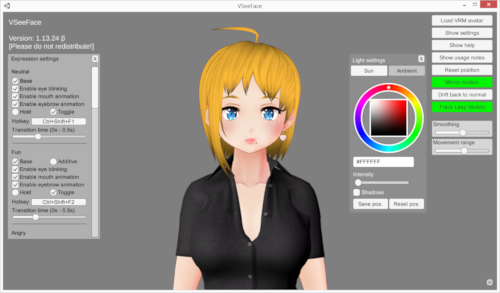
Before opening Unity, write down every place the avatar must work: desktop puppeteering app, social VR client, motion recorder, custom scene and archive renderer. Then verify the accepted VRM version in each current manual. This matters because a standards migration and an application migration are not the same event. VSeeFace’s current documentation, for example, says it supports VRM 0.x and not VRM 1.0.
If one essential destination still needs 0.x, keep a tested 0.x release. The new 1.0 file can be a parallel deliverable rather than a destructive replacement. Name both with visible versions instead of leaving two different files called final.vrm.
Freeze a comparison package
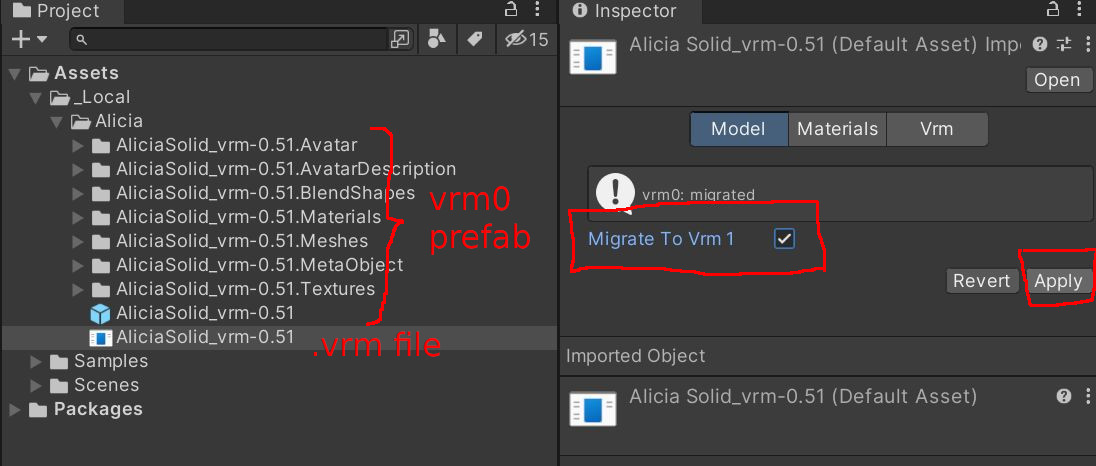
Copy the original VRM, its editable project, textures and a short reference capture into a dated migration folder. Record the Unity and UniVRM versions used to open and export it. The VRM migration documentation itself identifies a specific tested environment, which is a useful reminder that converter behavior belongs to a tool version, not to the file in the abstract.
Build a six-shot reference: front neutral, profile, eye turn, named expression, hair or accessory motion, and first-person view if the avatar uses one. Add a short clip with the model crossing its widest head and body ranges, because a still cannot expose a spring that explodes or a gaze that snaps at the endpoint. These references are not aesthetic approval. They give you something concrete to compare after conversion.
Check the places where 1.0 changes meaning
The Consortium’s compatibility page says most humanoid expression is retained, while VRM 0.x BlendShapes become VRM 1.0 Expressions. It also notes changed gaze mapping, a simplified first-person parent rule, a more flexible SpringBone system and a move from MToon to MToon10. Some old MToon properties are removed; a missing shade texture can also produce a visibly different result after migration.
Turn that list into a review order: humanoid pose, each expression clip, eye direction at center and extremes, first-person head hiding, spring movement, then materials under at least two lighting conditions. A successful import dialog only proves that the converter produced a file. It does not prove that the character still reads the same.
Treat metadata as part of the avatar
Open the author, title and permission fields after conversion rather than assuming they copied perfectly. VRM’s own setup guidance calls the author and license metadata important, and the 0.x-to-1.0 notes say fields with a correspondence are copied while unsupported fields are set to disallow. That conservative result is safer than invented permission, but it may need review by the model owner.
Finally, test the exported 1.0 file in every destination that claimed support and keep a result table: loads, appearance, expressions, gaze, secondary motion, metadata. If an app fails, do not repeatedly overwrite the source and hope. Preserve the failing file, note the exact application version and fall back to the known-good 0.x release while you investigate.
Sources & limits
VRM Consortium documentation describes the format mappings and known migration changes; VSeeFace establishes one current compatibility boundary. The reversible package and visual comparison sequence are editorial recommendations, not a guarantee of identical output.
- Upgrade compatibility: migrate VRM-0.x to VRM-1.0
first-party · Publication date not stated · Retrieved 19 September 2026 - VSeeFace — official documentation and FAQ
first-party · Publication date not stated · Retrieved 19 September 2026 - Set up VRM
first-party · Publication date not stated · Retrieved 19 September 2026
Send a correction with the passage and supporting source.